Skip to content

Polished Telegram posts without manual formatting

Send PostFrog text or a voice message and grab a formatted post: headings, emphasis, media, buttons. Tweak it with a few words and publish to your channel in one tap.

How it works

Drop a raw draft. The filler falls away. What remains is a post you are proud to publish.

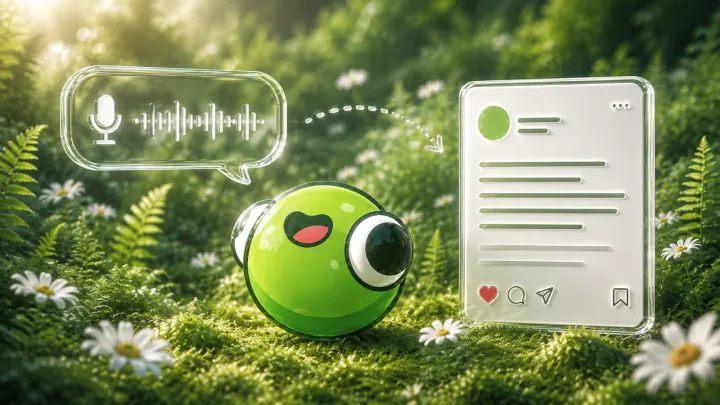
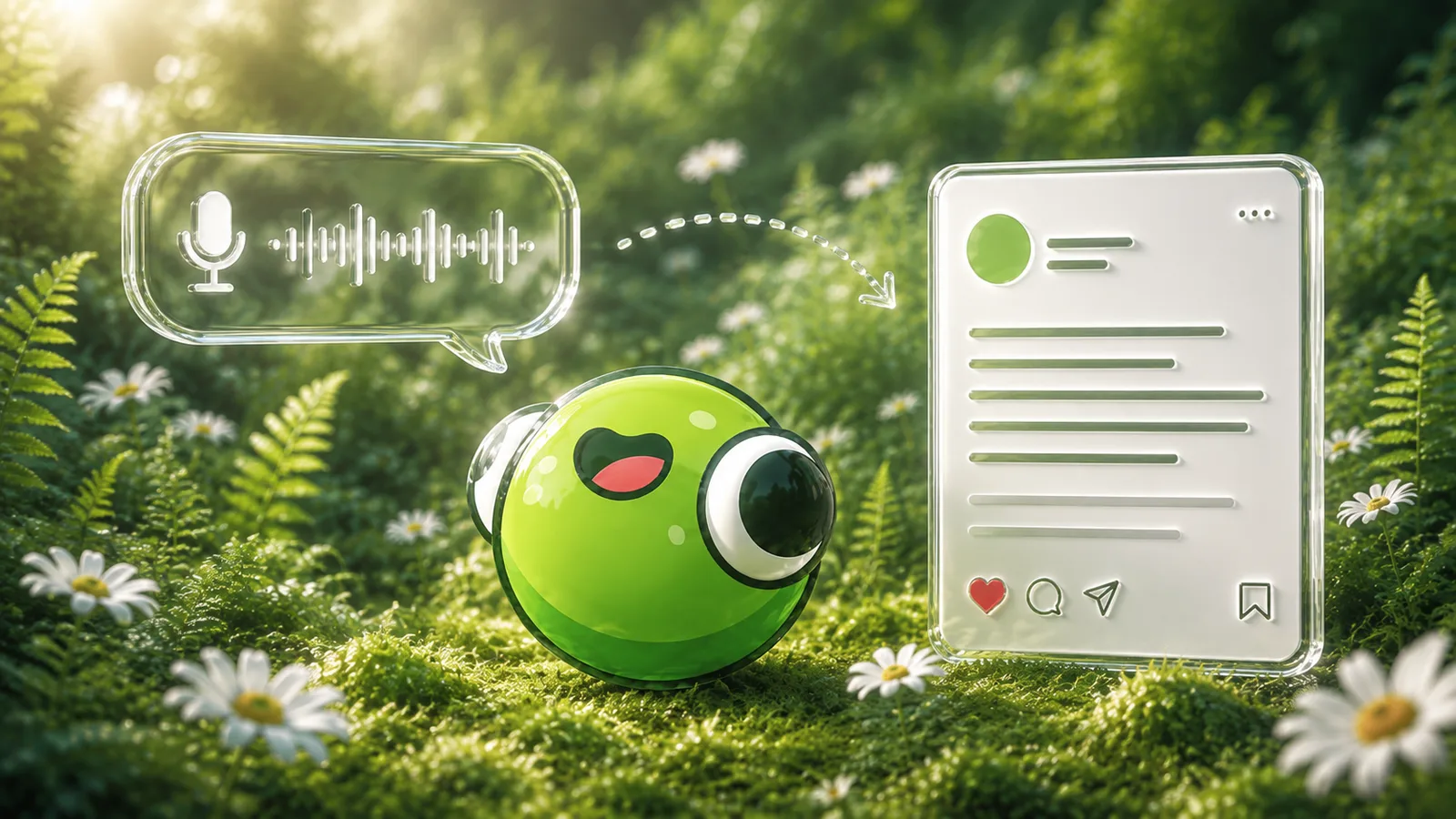
You send the text as is. Voice works tooPostFrog drops the fluff and filler wordsAnd shapes a stylish, formatted post

What it does

Voice to text

Ramble your thoughts as a voice message or a video note. The bot transcribes it and shapes a coherent post with no invented facts.

Edits in plain words

Type "shorter", "bolder", "photo on top". Every edit is saved as a separate version, so you can always go back.

Media and buttons

Attach photos, a video or an album to a finished post. Pin up to three link buttons: your site, channel or store.

In your voice

Send a couple of your posts. The bot picks up the rhythm, wording and structure and writes like your channel, not like an AI.

Pricing

Start free. Go Pro when posts start flowing.

Free

To try it on your own drafts

0 ₽

  • 5 posts a month
  • 5 edits per post
  • 1 channel
  • Buttons, media, versions, presets
Start for free

Pro

For those who publish regularly

490 ₽a monthor 3990 ₽ a year

  • Unlimited posts and edits
  • No watermark
  • All channels and cross-posting
  • Video to post and web search
  • Scheduled publishing
Get Pro

Pay by card or Telegram Stars. Activated right inside the bot.

Apply this to your channel with AI

Open a prepared prompt: AI will ask about your goal and help build a draft using this PostFrog resource.

View and copy the prompt

Opens an external service. If the prompt is not filled in or AI Mode is unavailable in your region, copy the text above into your AI chat.

Questions

What can I send to the bot?

Text, a voice message, a video note or a video. The bot transcribes it and turns it into a post. Photos, videos and albums of up to 10 files become the post media.

Can I edit the finished post?

Yes, in plain text or by voice: "shorter", "add emoji", "photo on top". Every edit is saved as a separate version, so you can always roll back.

Is it free?

Yes. The free plan is enough to run the whole flow from a draft to a published channel post.

How does the bot publish to a channel?

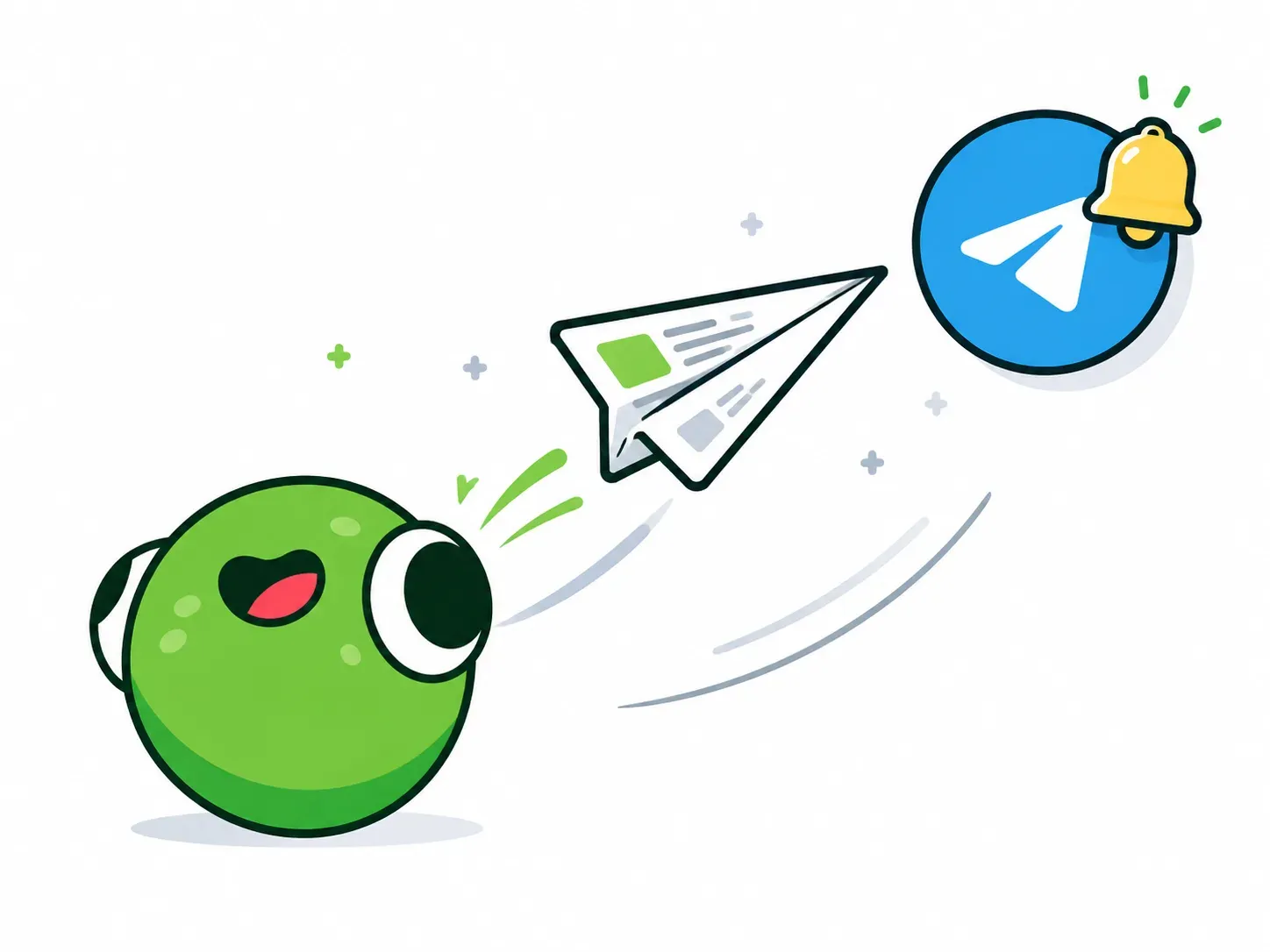
Add the bot as a channel admin with permission to post messages, then pick the channel right under the finished post. The bot only publishes where you are an admin yourself.

What does Pro add?

Unlimited posts and edits, no watermark, all channels and cross-posting, video to post, web search and scheduled publishing.

Try it on your own draft

Open the bot, drop any text or voice message and see what comes back.

Open @postfrog_bot